
UX Audit and Design System
Performing a UX audit and updating a mobile health app involves several steps to evaluate and improve the user experience:
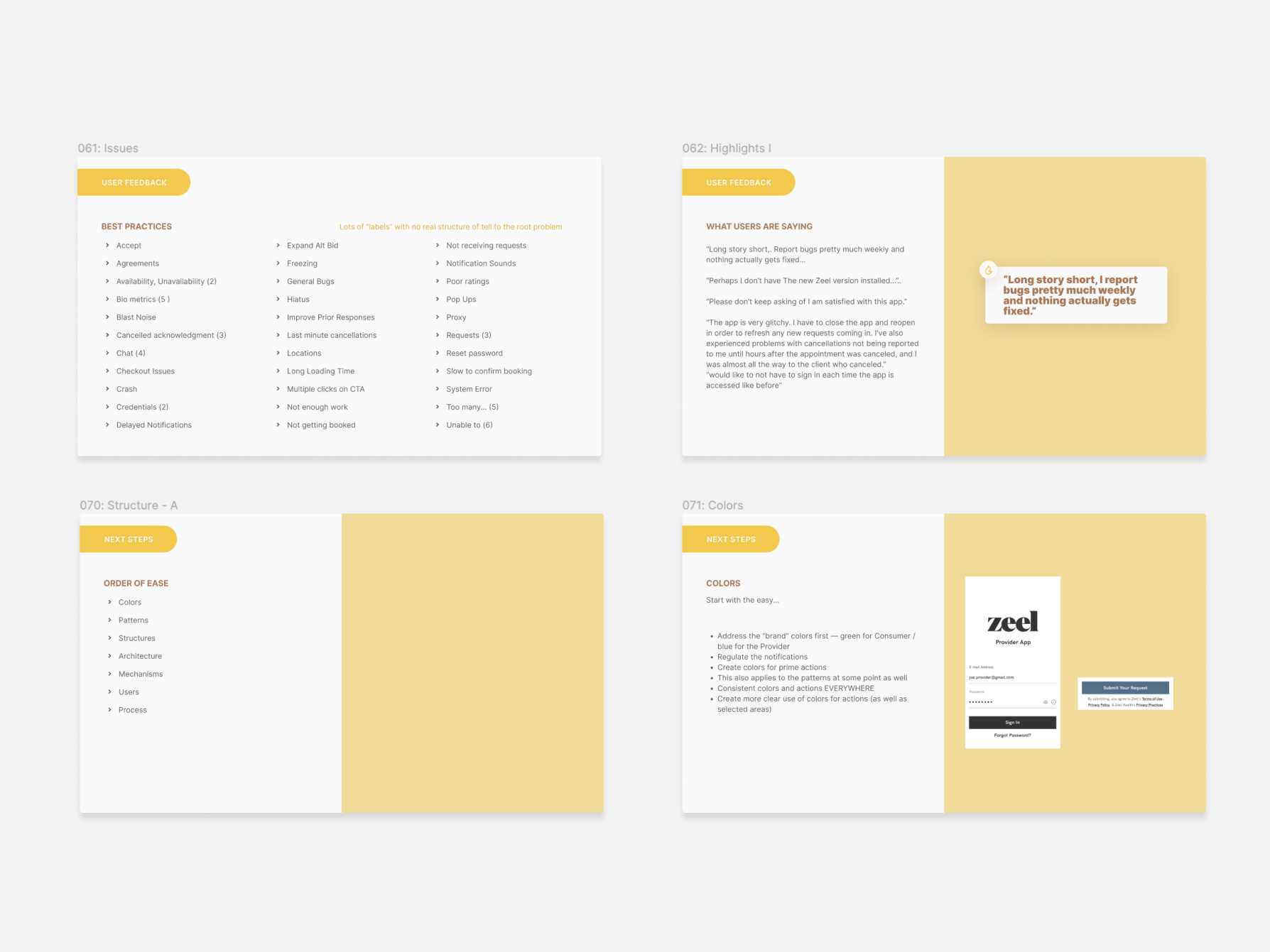
User Research and Analysis:- Review existing user data, feedback, and analytics to understand user behavior, preferences, and pain points.
- Identify key user personas and their needs, goals, and motivations when using the health app.
- Conduct competitor analysis to benchmark against similar health apps and identify areas for improvement.
- Evaluate the app's usability, accessibility, and overall user experience across key areas such as navigation, onboarding, information architecture, and interactions.
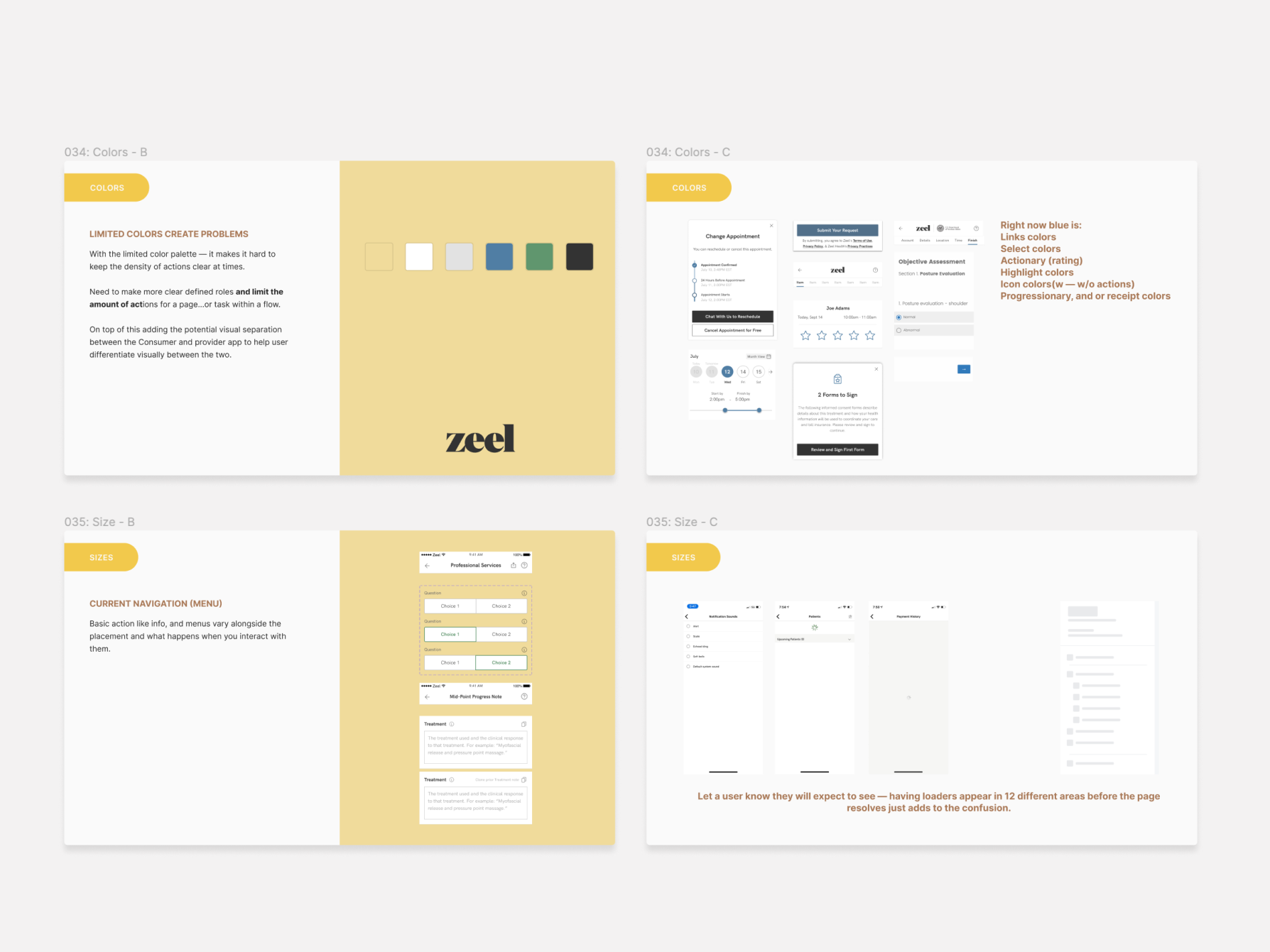
- Assess the visual design elements, including typography, color scheme, imagery, and iconography, for consistency, clarity, and alignment with brand guidelines.
- Review the app's performance, including loading times, responsiveness, and stability, to identify any technical issues or bottlenecks.
- Map out the typical user journeys within the app, including common tasks and workflows such as setting goals, tracking progress, and accessing resources.
- Identify pain points and areas of friction in the user journey where users may encounter obstacles or confusion.
- Gather feedback from users through surveys, interviews, and usability testing sessions to understand their experiences and perspectives.
- Encourage users to provide feedback within the app through rating prompts, feedback forms, or in-app messaging features.
- Prioritize updates based on the findings from the UX audit, focusing on areas with the greatest impact on user experience and satisfaction.
- Consider user feedback and data analytics to inform decision-making and prioritize features and improvements that align with user needs and expectations.
- Implement improvements to address the identified issues and enhance the overall user experience of the mobile health app.
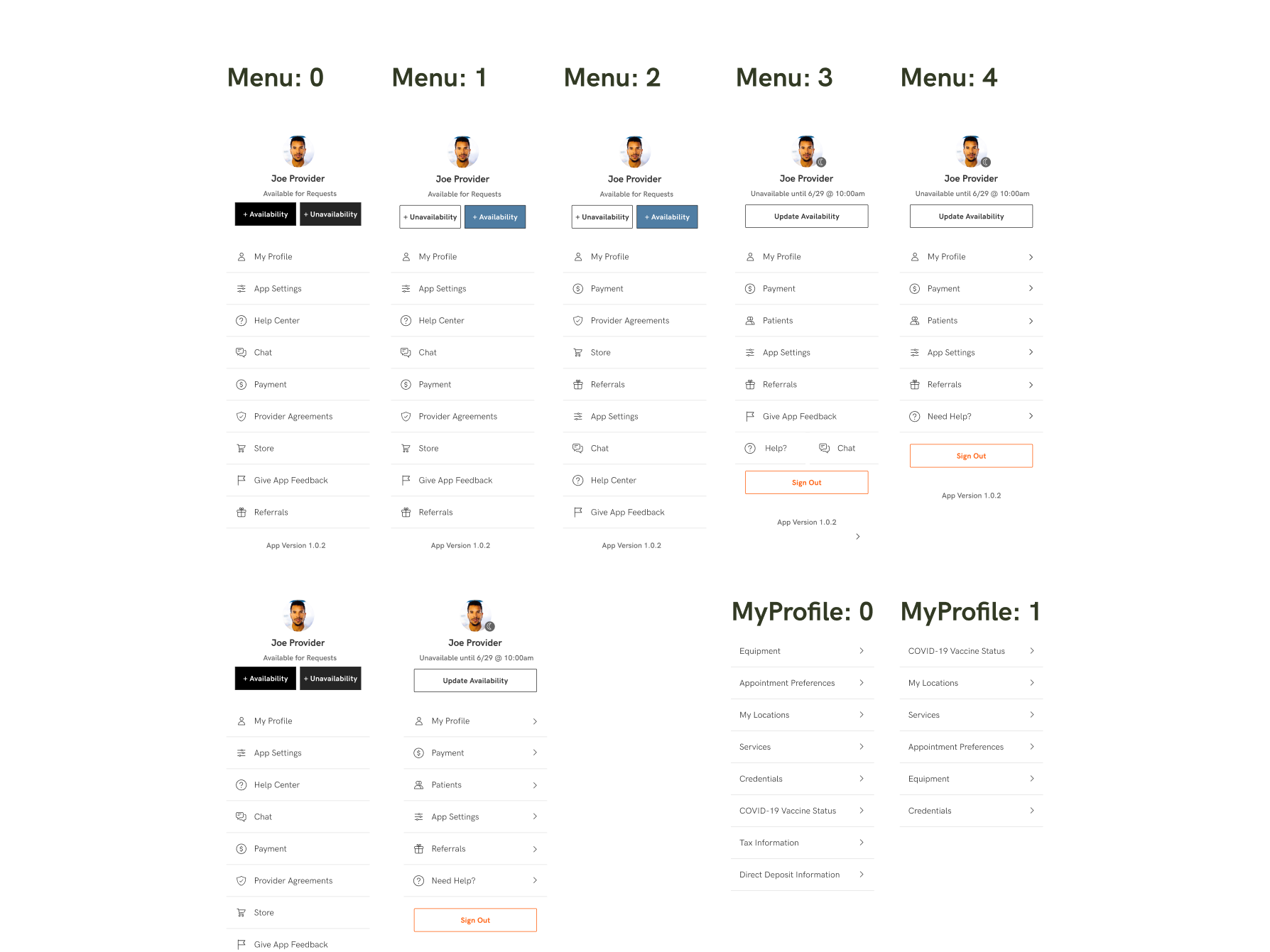
- Update the app's navigation structure to streamline user flows and make it easier for users to find and access relevant features and content.
- Enhance the onboarding process to provide clear guidance and instructions for new users and help them get started with the app quickly and efficiently.
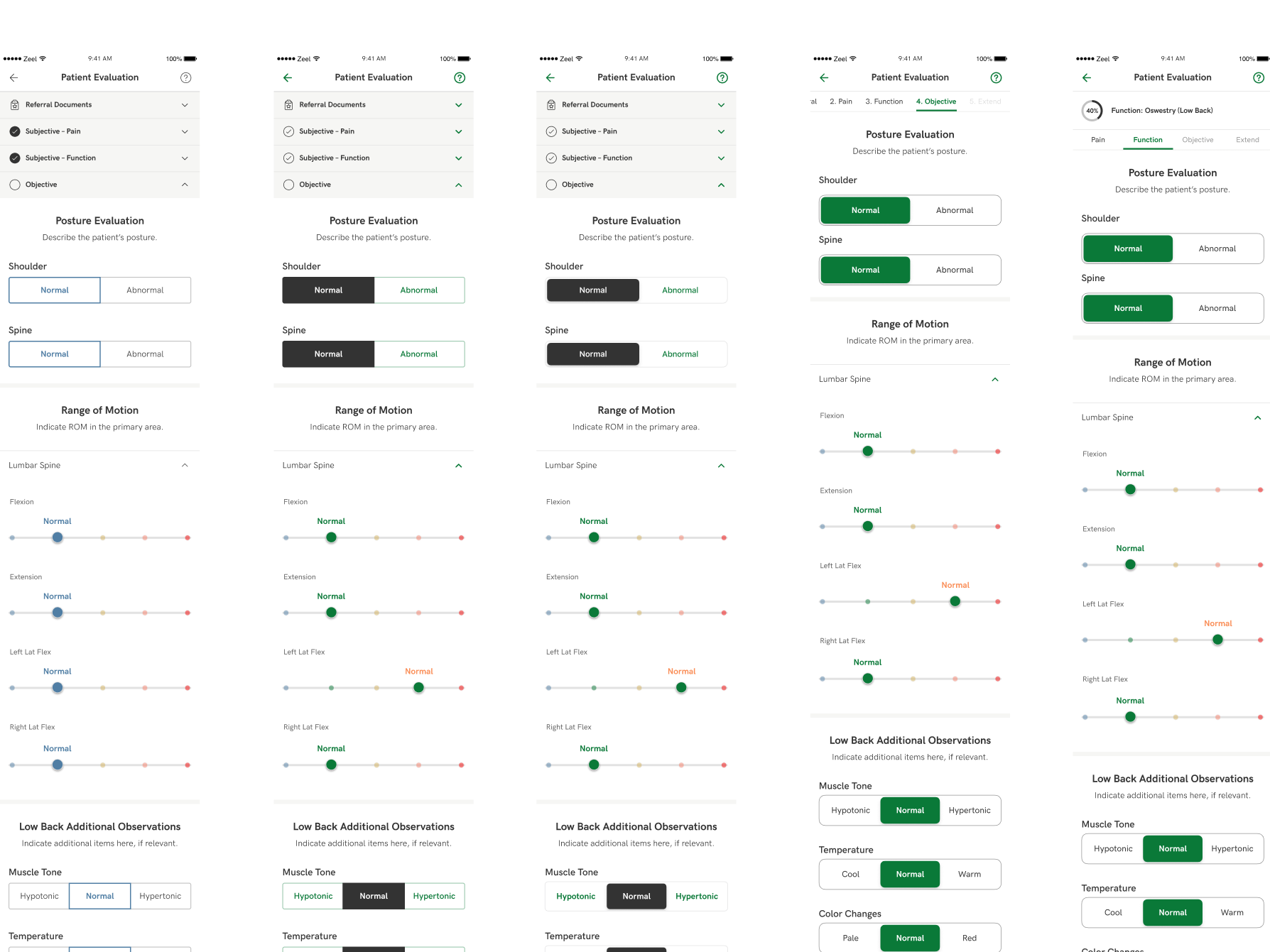
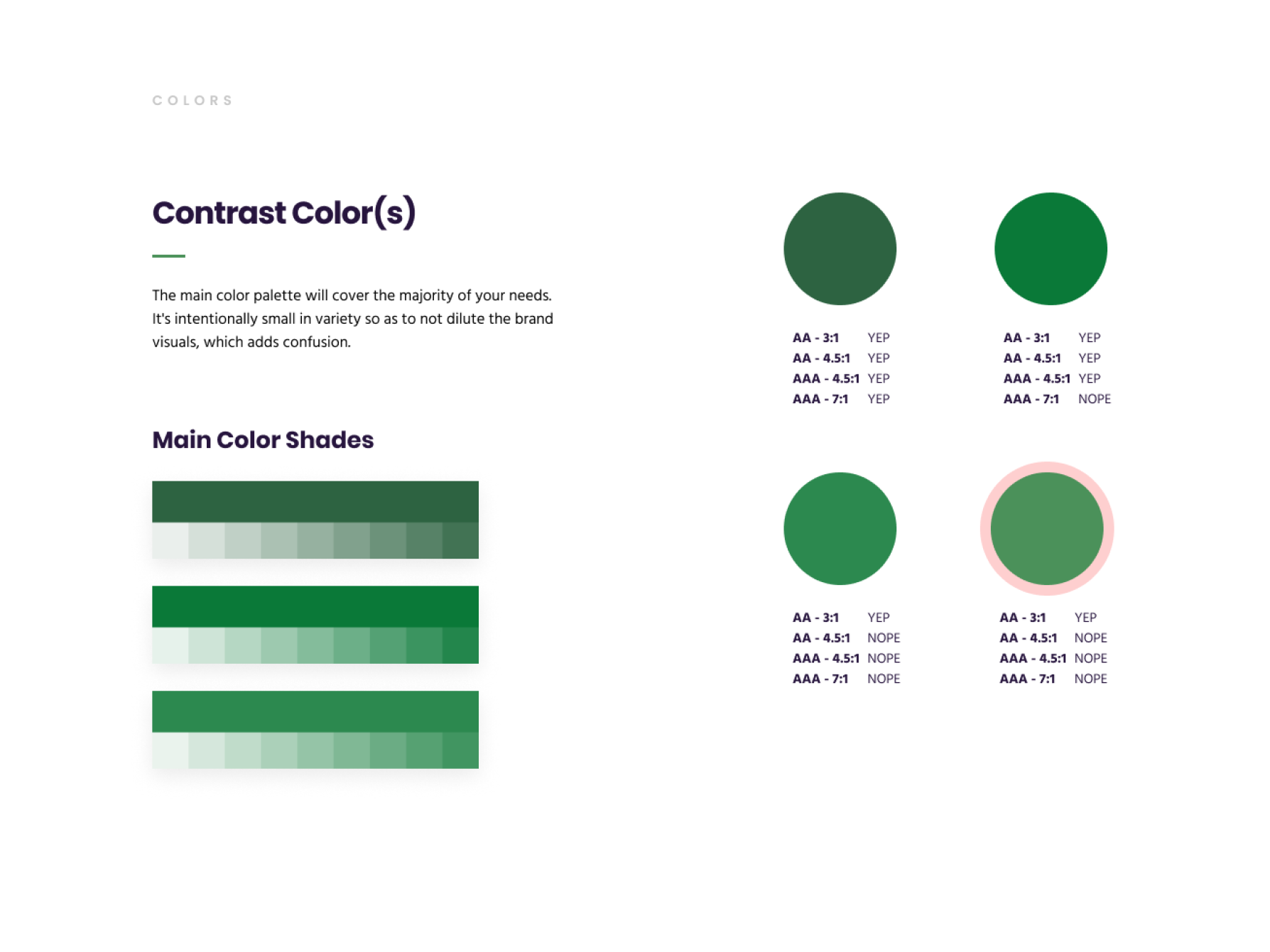
- Improve the visual design elements to enhance readability, visual hierarchy, and aesthetics, while ensuring compliance with accessibility standards.
- Optimize performance and loading times by addressing technical issues, optimizing code, and leveraging caching and data compression techniques.
- Integrate new features or functionalities based on user feedback and market trends, such as integration with wearable devices, telemedicine services, or personalized health recommendations.
- Conduct thorough testing of the updated app to ensure that the changes have been implemented correctly and that the user experience has been improved.
- Perform usability testing with real users to validate the effectiveness of the updates and gather additional feedback for further refinement.
- Iterate on the updates based on testing results and user feedback, making adjustments as needed to optimize the user experience.
- Communicate the updates to users through release notes, in-app notifications, and other channels to inform them of the changes and improvements.
- Monitor user feedback and app performance after the updates are rolled out to ensure that the changes have been well-received and that any new issues are addressed promptly.
- Establish a process for ongoing monitoring, evaluation, and improvement of the app's user experience, incorporating user feedback and analytics into future updates and iterations.
- Stay informed about emerging trends, technologies, and user needs in the health and wellness industry to ensure that the app remains competitive and relevant in the market.
By conducting a thorough UX audit and implementing targeted updates to address user needs and pain points, alongside best practices we were able to enhance the overall user experience of the mobile health app and improve user engagement, satisfaction, and retention.
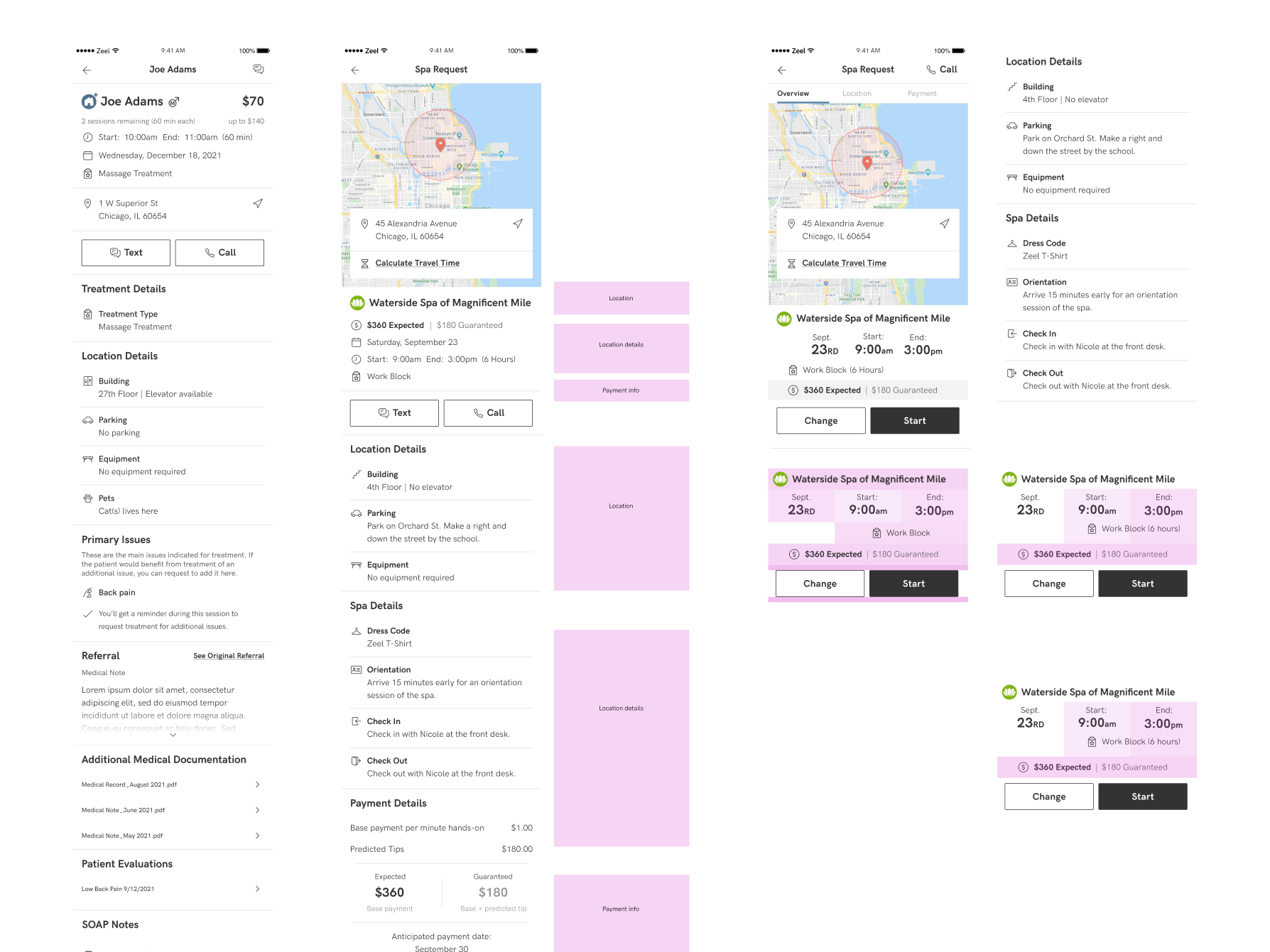
Revised style guides were produced, alongside the creation of new component and library assets. These assets adhere to updated recommendations and serve as valuable resources for designers and product teams to utilize in upcoming testing and release schedules.
If you would like links to any of the figma files - or you would like to schedule a call to learn more...please let me know.