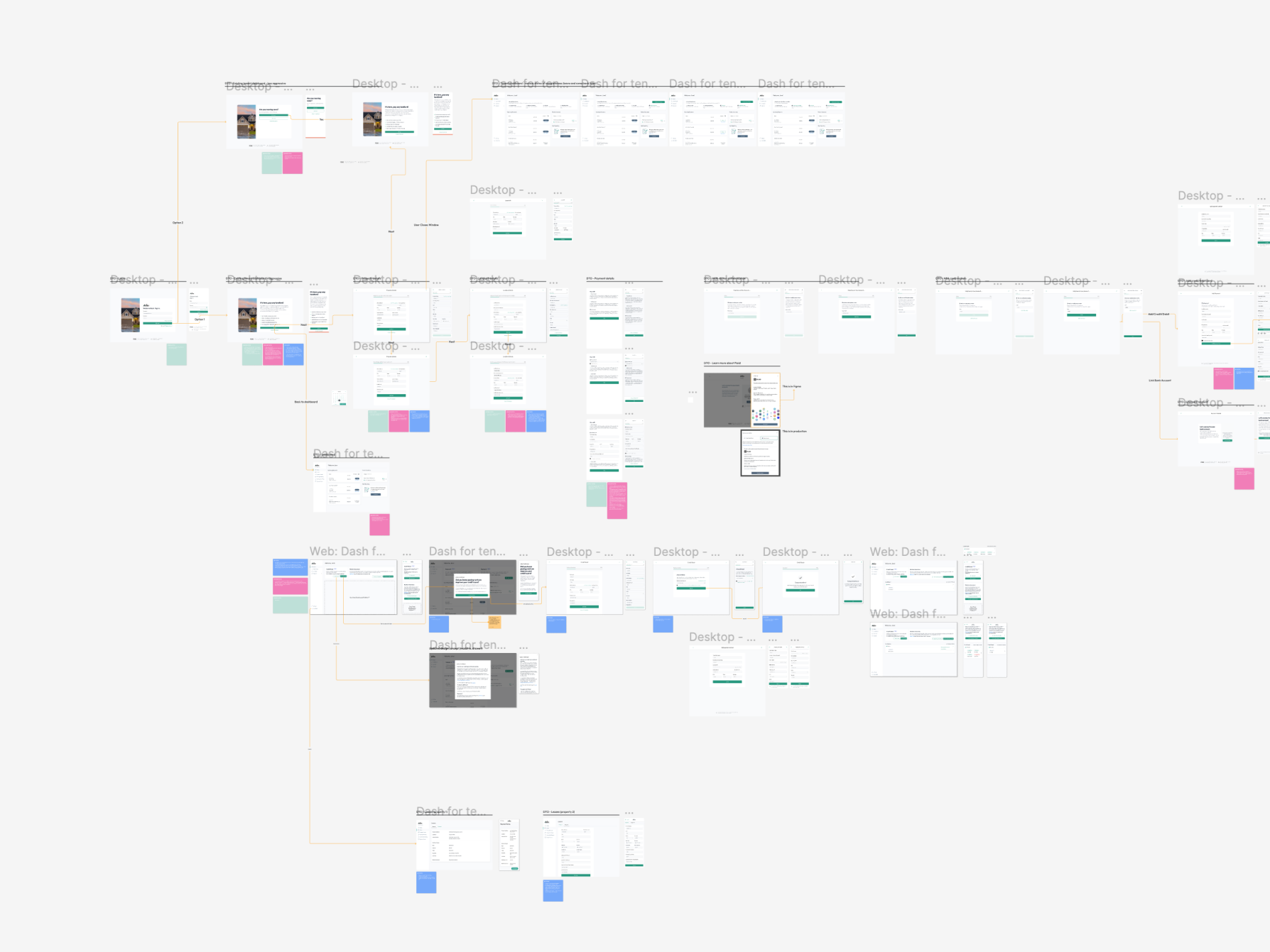
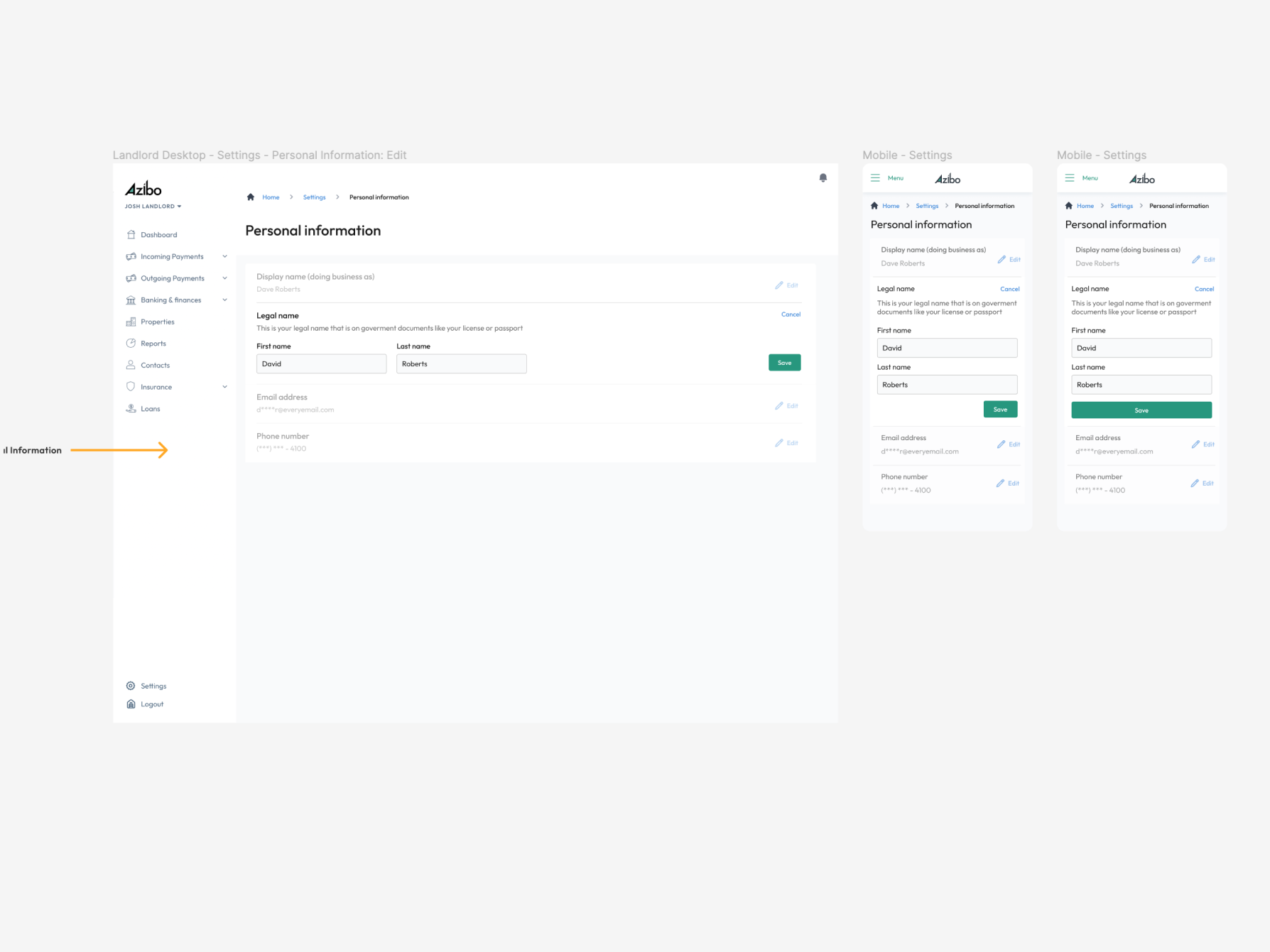
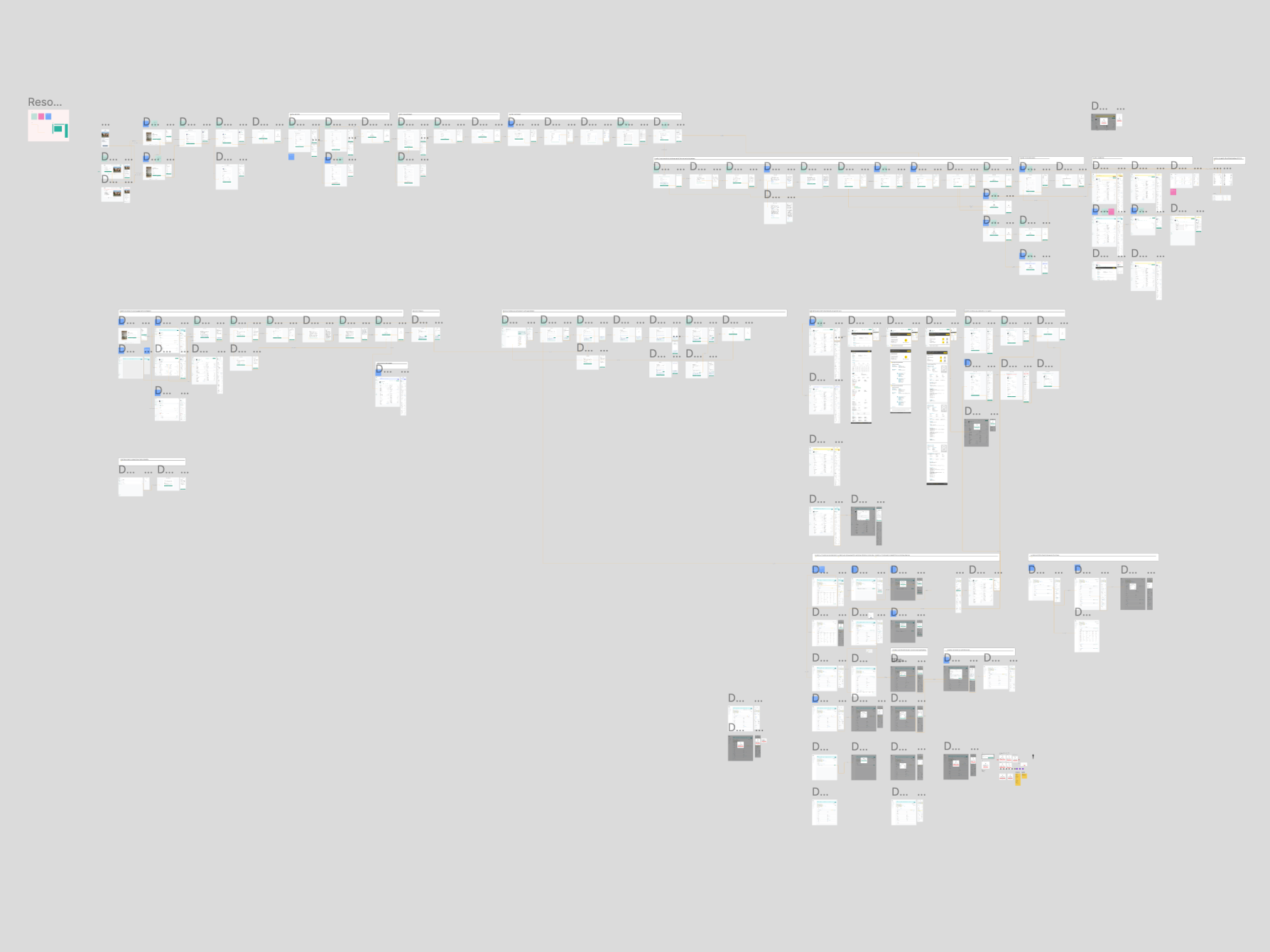
Tenant and Landlord Dashboard
Turning a usability audit into a best practices update for the Azibo tenant and landlord app involves identifying areas of improvement based on the audit findings and implementing industry best practices to enhance the user experience. Here is the step-by-step preocess applied:
User Management:- Develop a user management system that allows administrators to create, edit, and delete user accounts.
- Implement role-based access control to assign different permissions to users based on their roles (e.g., property managers, tenants, landlords).
- Enable users to register, login, and update their profiles, including contact information and preferences.
- Create modules for managing rental properties, including adding new properties, updating property details (e.g., address, amenities, rental price), and uploading photos and descriptions.
- Implement features for tracking property availability, scheduling viewings, and managing lease agreements and rental contracts.
- Integrate a calendar system to schedule property inspections, maintenance tasks, and rent collection dates.
- Develop tools for managing tenant information, including tenant screening, lease agreements, and rent payments.
- Enable tenants to submit rental applications, sign lease agreements electronically, and set up recurring rent payments.
- Implement communication features such as messaging and notifications to facilitate communication between landlords and tenants.
- Integrate fintech features for rent collection, payment processing, and financial reporting.
- Enable landlords to set up automated rent collection through bank transfers, credit card payments, or third-party payment processors.
- Provide dashboards and reports for tracking rental income, expenses, and financial performance across properties.
- Integrate accounting software or APIs to streamline financial reporting and tax compliance for landlords.
- Develop a system for managing maintenance requests and service inquiries from tenants.
- Enable tenants to submit maintenance requests online, track the status of their requests, and schedule appointments with service providers.
- Provide tools for property managers to assign and prioritize maintenance tasks, track work orders, and communicate updates to tenants.
- Implement a document management system for storing and organizing important documents related to rental properties, such as lease agreements, inspection reports, and tenant applications.
- Enable users to upload, download, and share documents securely, with version control and access restrictions based on user roles and permissions.
- Implement robust security measures to protect sensitive data, including user information, financial transactions, and legal documents.
- Ensure compliance with data protection regulations such as GDPR and CCPA, as well as industry standards for payment security (PCI DSS).
- Conduct regular security audits and vulnerability assessments to identify and address potential security risks proactively.
- Design the admin portal with a user-friendly interface, intuitive navigation, and responsive layout to ensure accessibility across devices and screen sizes.
- Conduct usability testing and gather feedback from users to optimize the user experience and address any usability issues or pain points.
- Provide user support resources such as help documentation, FAQs, and customer support channels to assist users in navigating the admin portal and using its features effectively.
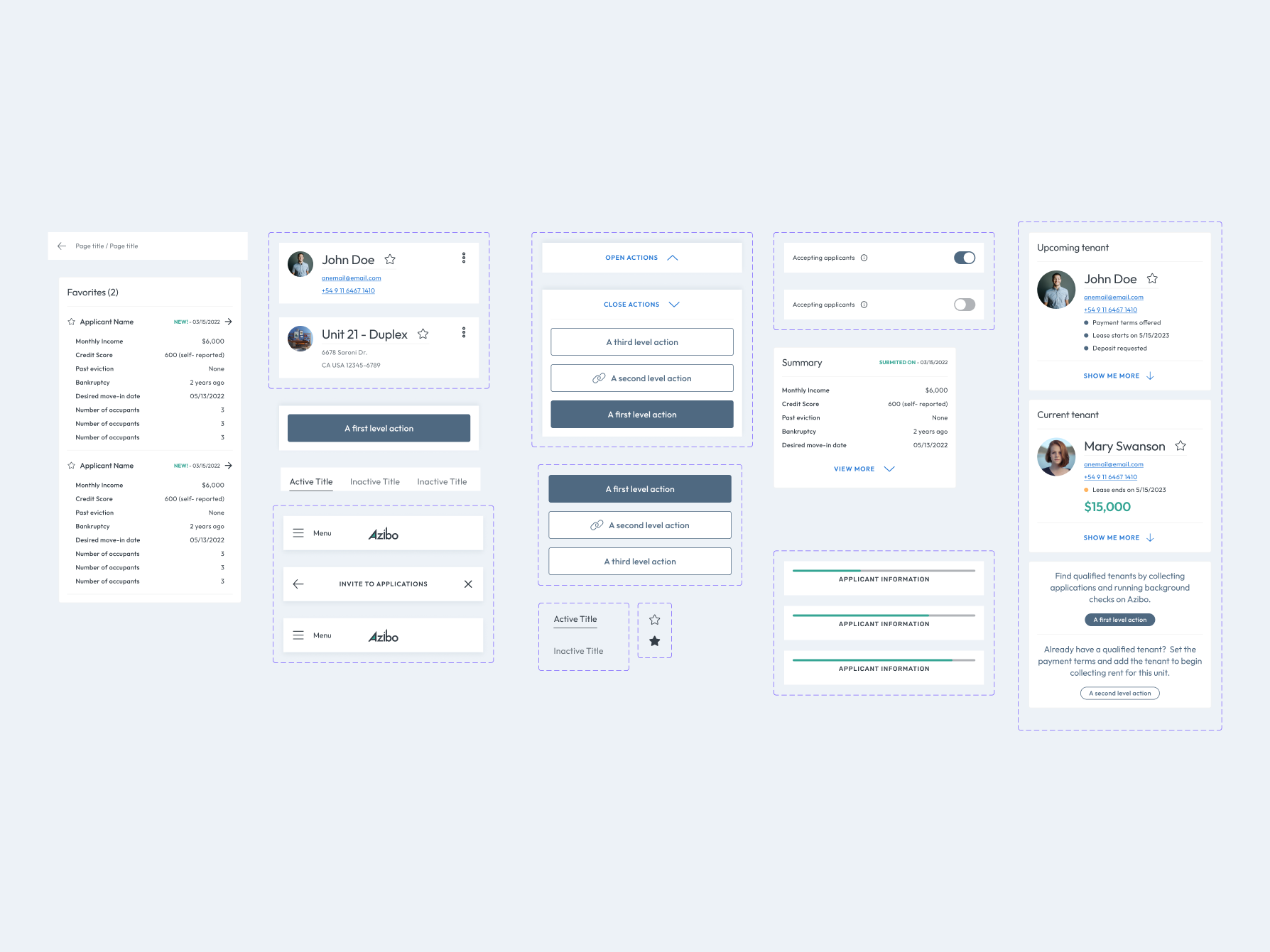
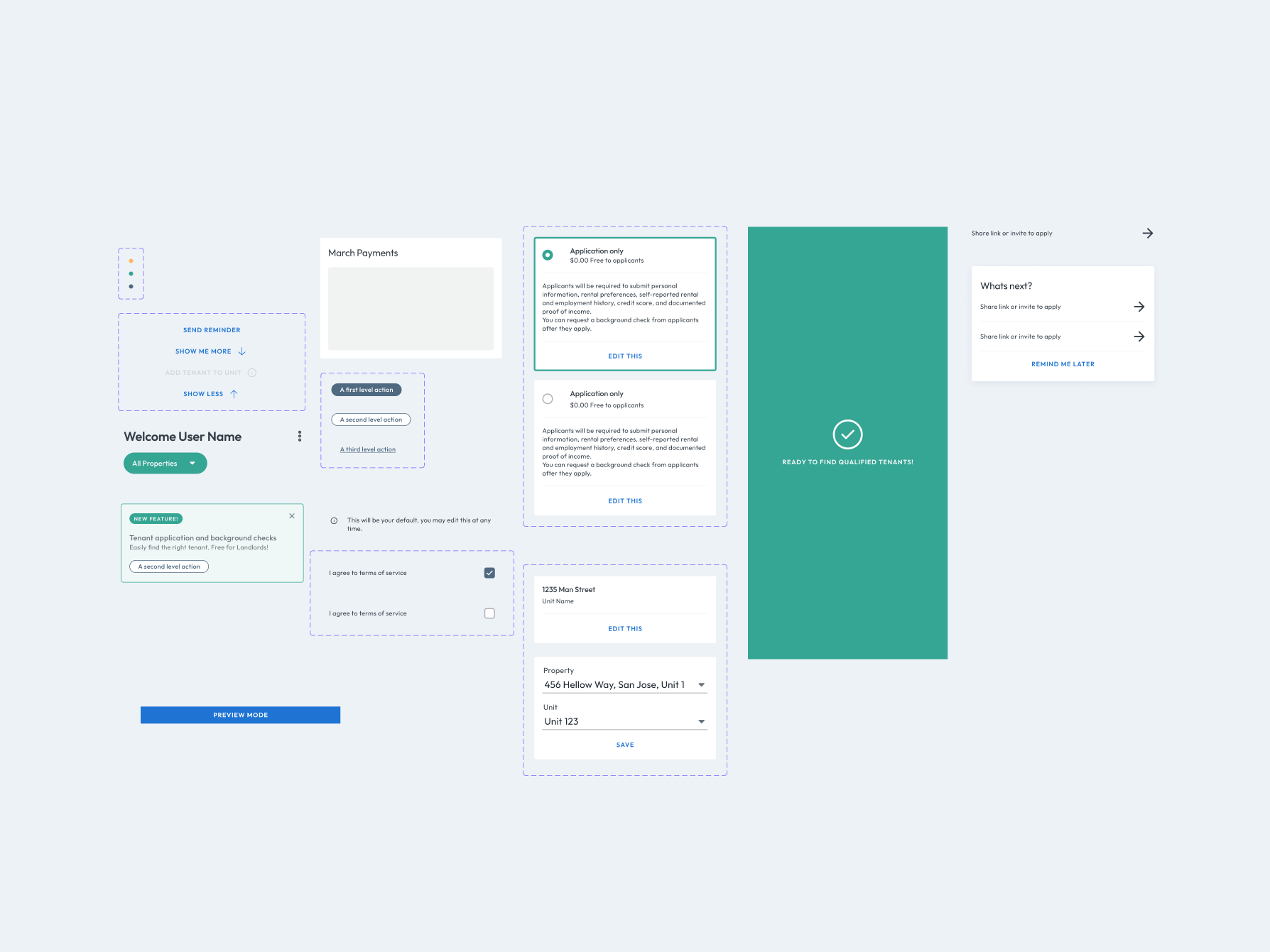
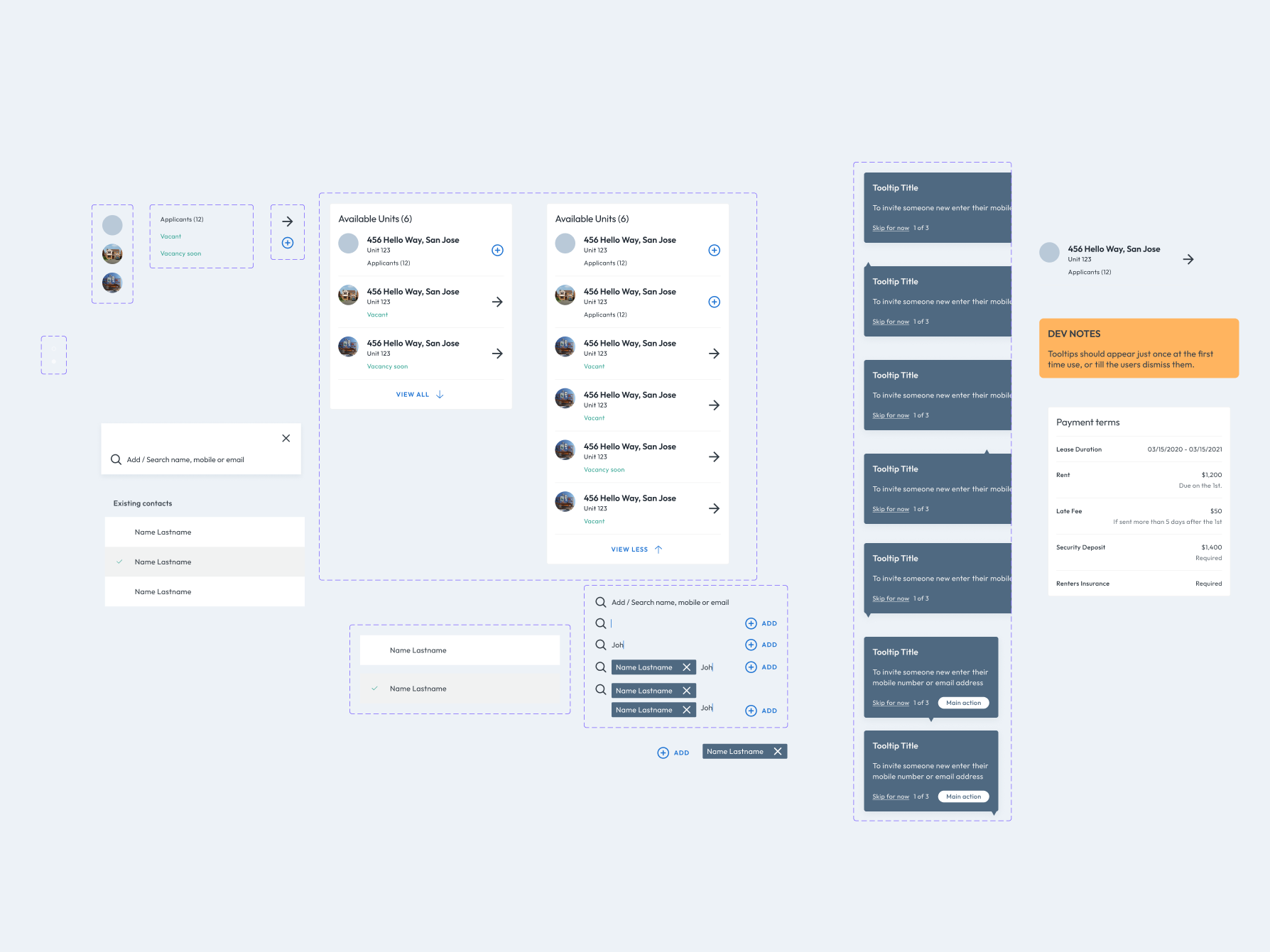
- Review and update the design system to ensure consistency and alignment with the latest design trends and best practices.
- Update design components, such as buttons, forms, typography, and color schemes, to reflect the brand identity and improve usability.
- Document any changes or additions to the design system to maintain transparency and facilitate collaboration among designers and developers.
- Conduct user research to understand the needs, preferences, and pain points of administrators, landlords, tenants, and other stakeholders.
- Create user personas and user journey maps to identify key user flows and prioritize features and functionality accordingly.
- Use wireframes, mockups, and prototypes to visualize and iterate on the design concepts, incorporating feedback from stakeholders and end-users.
- Translate design concepts into high-fidelity designs that are visually appealing, intuitive, and accessible.
- Ensure consistency in design elements and layout across different screens and modules within the admin portal.
- Pay attention to details such as spacing, alignment, typography, and color contrast to enhance readability and usability.
- Conduct usability testing with representative users to evaluate the effectiveness and usability of the admin portal.
- Identify usability issues, navigation challenges, and areas for improvement through user feedback and observation.
- Iterate on the design based on user testing results, making adjustments to improve the user experience and address any usability issues or pain points.
- Ensure that the design and user interface elements comply with accessibility standards such as WCAG (Web Content Accessibility Guidelines).
- Conduct accessibility audits and testing to identify and address any accessibility barriers for users with disabilities.
- Implement accessible design practices, including proper color contrast, keyboard navigation, and screen reader compatibility, to ensure that the admin portal is usable by all users.
- Establish a process for ongoing design iteration and improvement based on user feedback, usability testing results, and changing business requirements.
- Schedule regular design reviews and updates to incorporate new features, address usability issues, and maintain alignment with the design system.
- Foster a culture of continuous improvement and collaboration among designers, developers, and stakeholders to ensure that the admin portal evolves and adapts to meet the needs of its users effectively.
By integrating the design system and with product driving the development process and feature sets accordingly, helped us create an admin portal for rental properties that not only meets the functional requirements but also delivers an exceptional user experience and drives user engagement and satisfaction.
If you would like links to any of the figma files - or you would like to schedule a call to learn more...please let me know.