CMS Educational Portal
Created a new online education and support portal for Optimizely using the current CMS (Content Management System) system involves several steps to ensure a seamless user experience and efficient content management.
Here's how I approached this project:
- Identify the primary goals of the online education and support portal, such as providing comprehensive resources for users, enhancing customer satisfaction, and improving self-service capabilities.
- Determine key performance indicators (KPIs) to measure the success of the portal, such as user engagement metrics, support ticket resolution times, and customer satisfaction scores.
- Evaluate the capabilities and limitations of the current CMS system being used by Optimizely.
- Determine if any additional plugins, extensions, or customizations are needed to support the requirements of the new education and support portal.
- Conduct user research to understand the needs, preferences, and pain points of Optimizely users seeking education and support resources.
- Create user personas representing different segments of users, such as new users, experienced users, administrators, and developers.
- Develop a content strategy for the education and support portal, including the types of content to be provided (e.g., documentation, tutorials, videos, FAQs) and the organization of content.
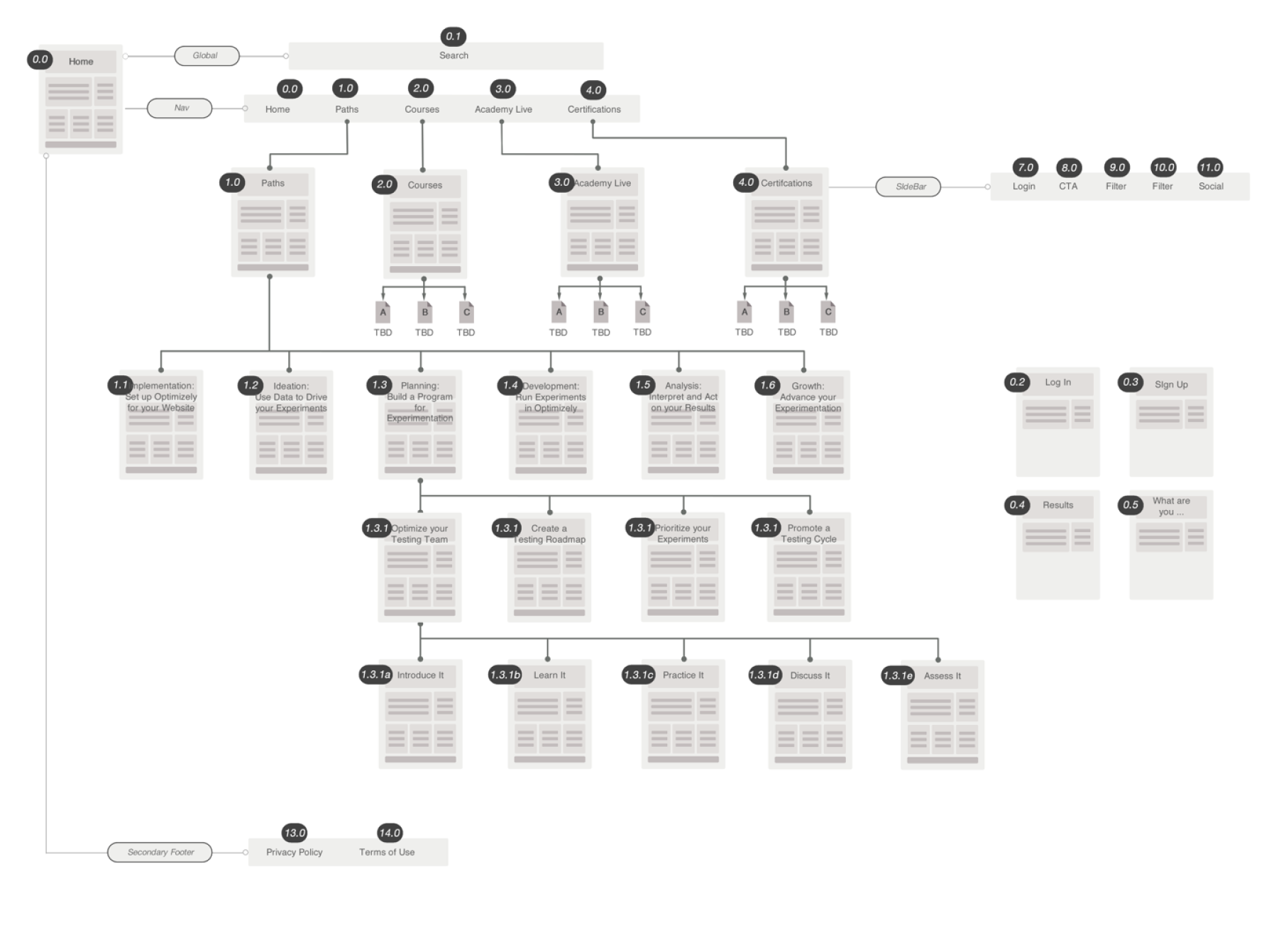
- Create an information architecture that defines the structure and navigation of the portal, ensuring intuitive access to relevant resources and support materials.
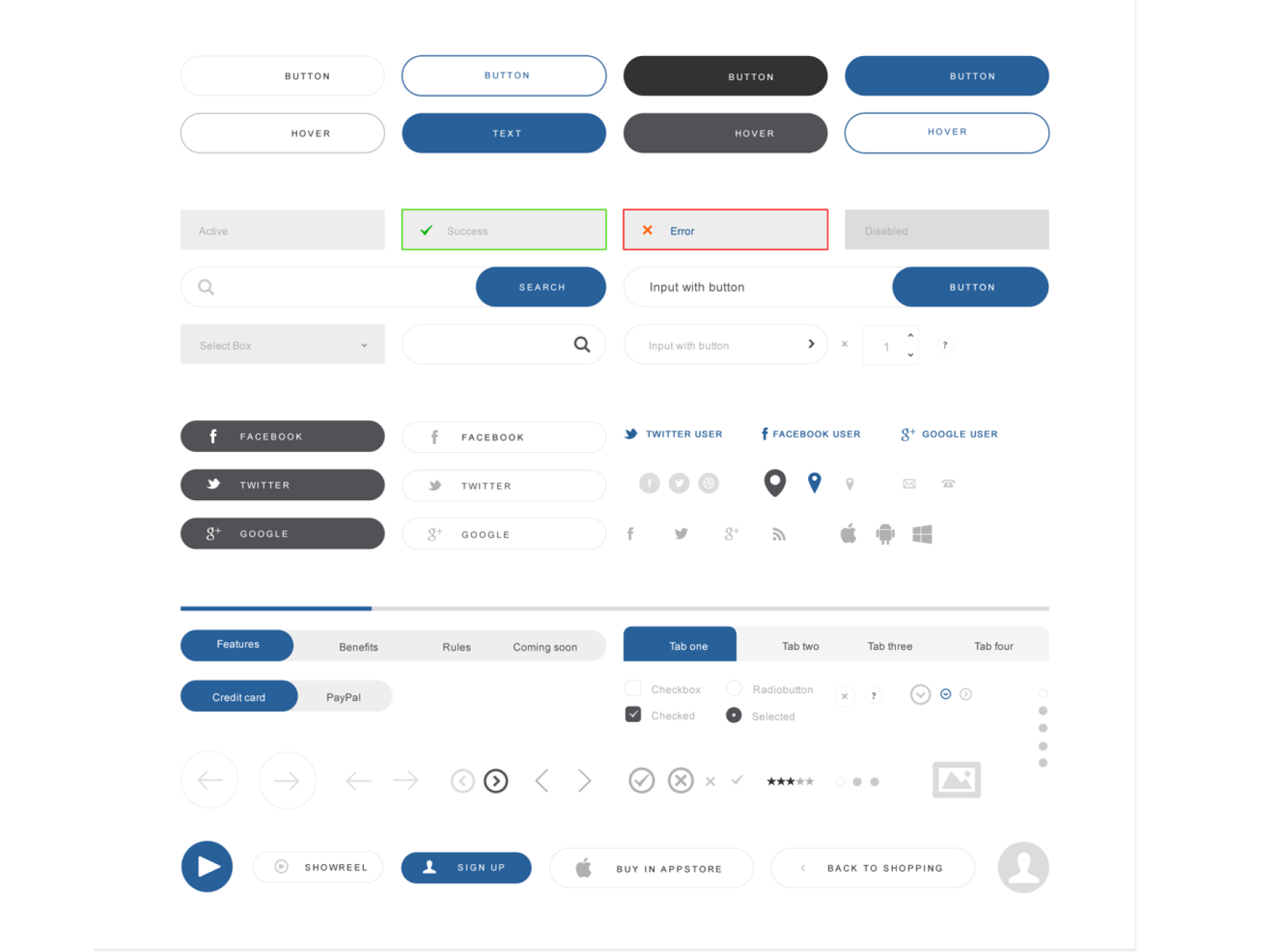
- Design a user interface for the education and support portal that aligns with Optimizely's branding guidelines and visual identity.
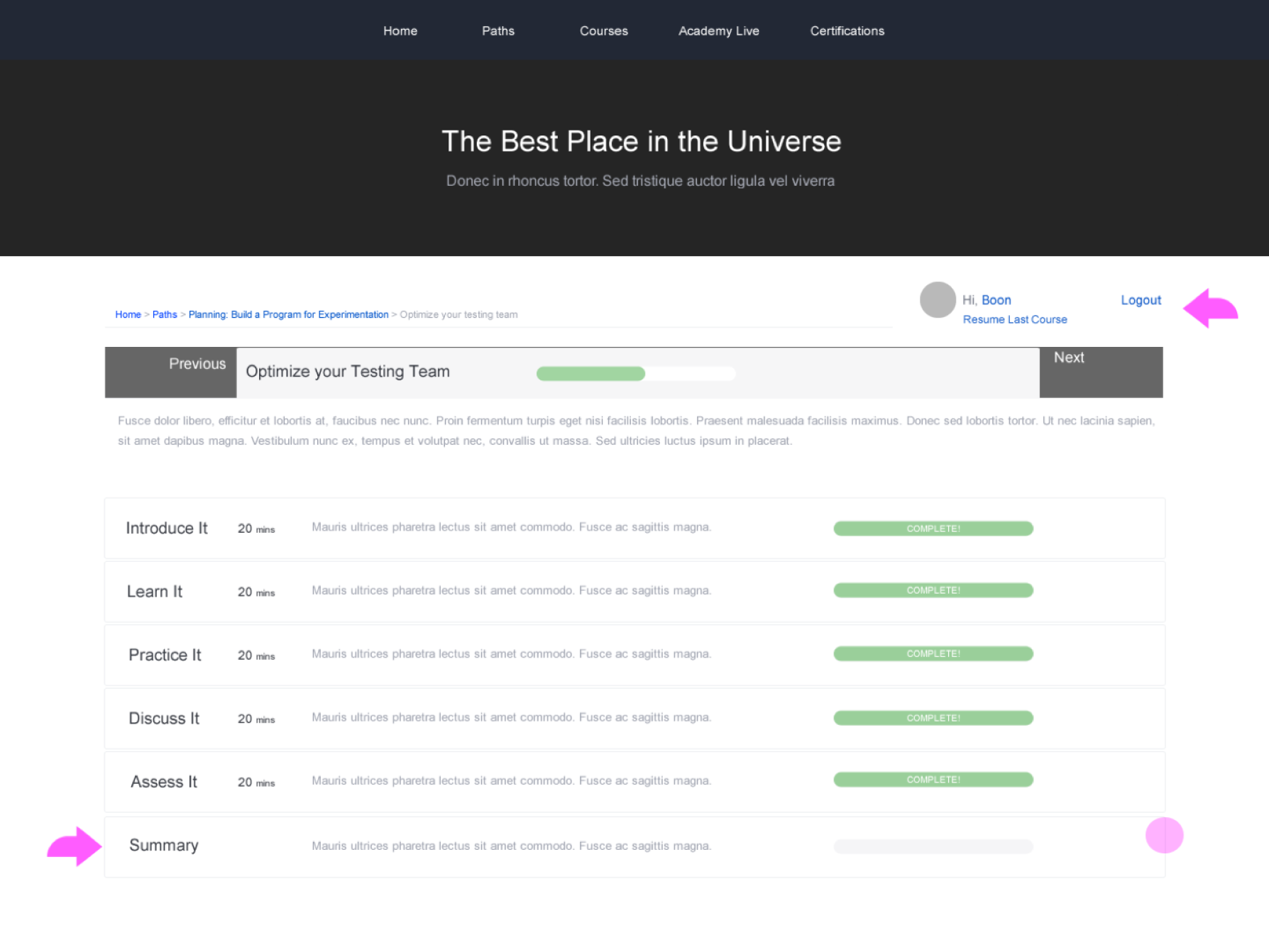
- Create wireframes and mockups to visualize the layout, navigation, and visual elements of the portal, incorporating user feedback and usability best practices.
- Launch the new education and support portal, communicating its availability to Optimizely users through email newsletters, announcements, and social media channels.
- Promote the portal's features and benefits through targeted marketing campaigns, webinars, and events to encourage adoption and engagement.
- Gather feedback from users and stakeholders after the portal launch to identify areas for improvement and iterate on the design, content, and functionality as needed.
- Continuously monitor user engagement metrics, support ticket trends, and customer feedback to inform ongoing enhancements and optimizations to the portal.
By following these steps, We created a robust and user-friendly online education and support portal using its current CMS system, providing valuable resources and assistance to its users while leveraging existing infrastructure and capabilities.
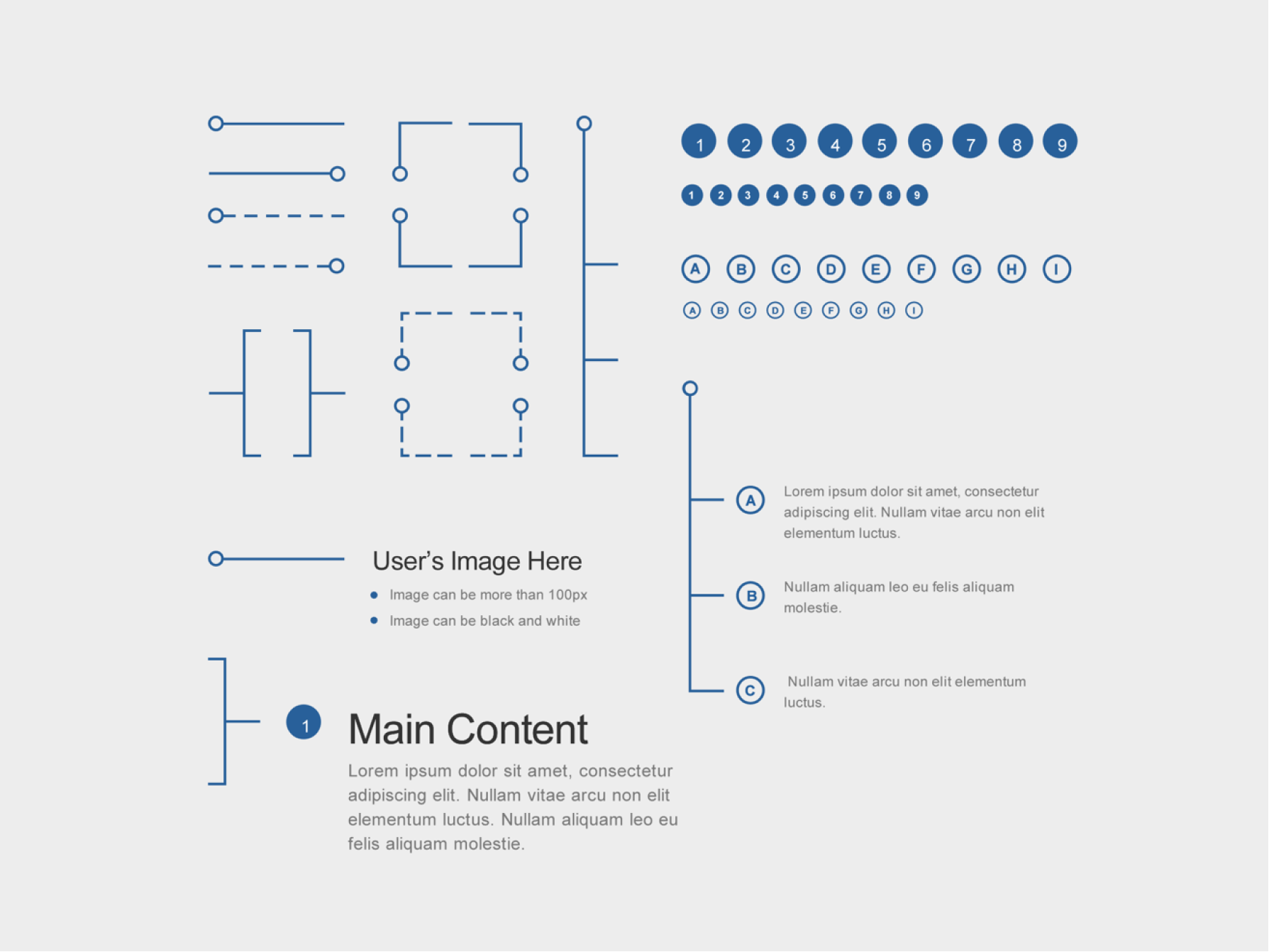
Working with Boon design to create a better design system and pattern library allowed Optimizely to brand new courses, and learning modules on the fly as the landscape and needs of the users change.
If you would like links to any of the figma files - or you would like to schedule a call to learn more...please let me know.